

One network can’t promise on time. Several, used together, can.
Mobile, Wi-Fi and satellite links make no promise about when a packet arrives, or whether it arrives at all. This talk shows how NanoPing still gets live video and control data there before its deadline, on real traces: a car driving a 2.2 km loop on two mobile networks, and a laptop walking through a Wi-Fi lab.
Or read it below15 chapters
On time is the only thing that counts
Real-time means data has to arrive within a set time to be any use. A packet that arrives before its deadline is useful. One that arrives after it is worthless, even though every throughput and loss figure counts it as delivered.
So the goal isn’t low latency. It is getting data there, every time, before the application needs it.
More on time budgetsLate can be as bad as lost
In these systems, data that shows up late does as much damage as data that never shows up.
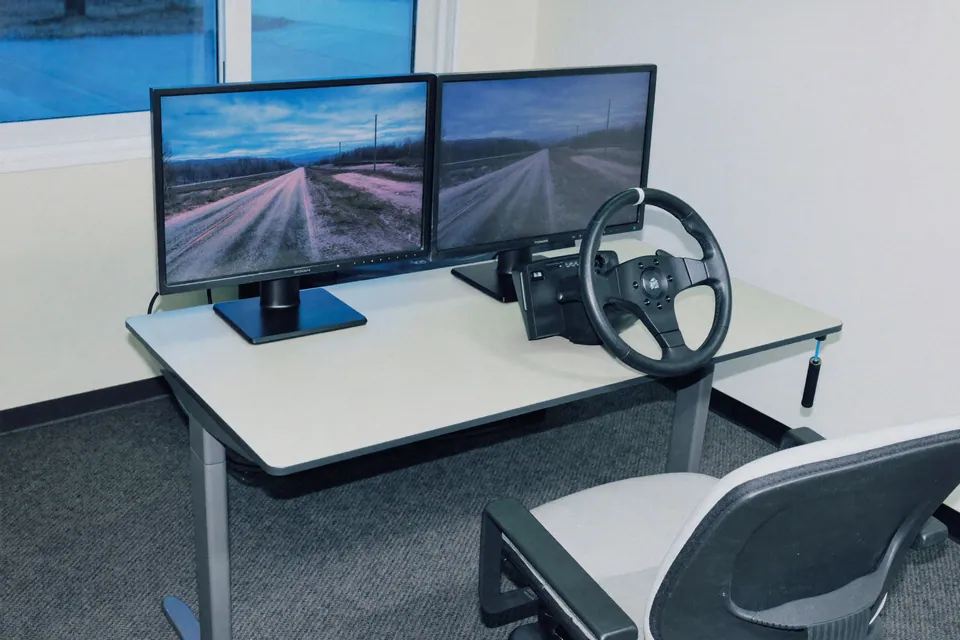
Tele-operation
A late video frame shows the road as it was. A late command acts on a moment that has already passed.
Running example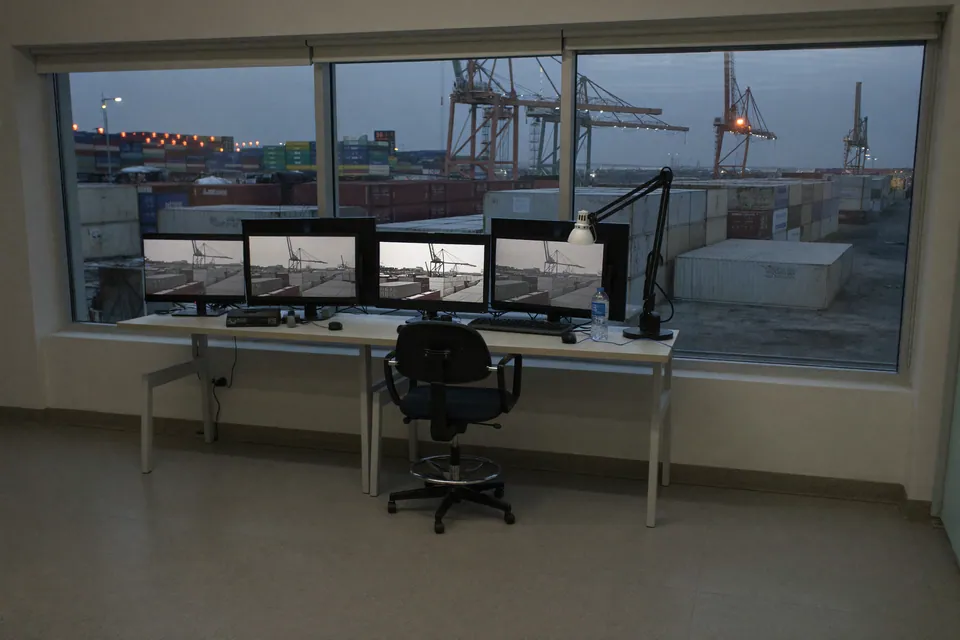
People deciding live
Someone deciding on late data is deciding about a situation that has already changed.

Industrial control
A control loop that misses its cycle has to act without the value.

Safety systems
A stop signal that arrives late can be as bad as none at all.

Live video calls
A late frame is a freeze, and the conversation stalls.
What one network looks like
Real footage: live video from a car over a mobile network, as the remote screen showed it with a 300 ms budget. A frame that arrives too late isn’t shown, so the last good one stays on screen.
A few seconds of normal driving, then the picture breaks up and freezes while the car keeps moving. Nobody can drive on this.
How hard can it be? Five problems
A network that delivers most packets most of the time still fails in five different ways. Every one of these is a real measurement.

Congestion
Delay climbs while packets keep arriving.
A mobile network went from 23 ms to 719 ms in 0.88 s, while still delivering.

Outages
A network goes silent.
A mobile network delivered nothing for 1.57 s, with no warning before.

Packet loss
Packets never arrive.
A Wi-Fi network lost 106 packets in a minute, up to 27 in a row.

Reordering
Packets overtake each other.
On a mobile network, a packet arrived before an earlier one 1,504 times in 3 min 35 s.

Asymmetry
The two directions of one connection differ.
On one mobile connection, the slowest packets took 317 ms going up and only 69 ms coming down.
A broken path can’t be fixed. It can be avoided.
On one connection there are hard limits to what any protocol can do. If the path is down, no repair data, no resend and no clever scheduling can deliver the packet. And nothing makes a congested path fast.
So we use several independent connections wherever we can. Independence matters: two SIM cards on the same operator share most of their failures. Different operators, technologies and backhauls share far fewer.
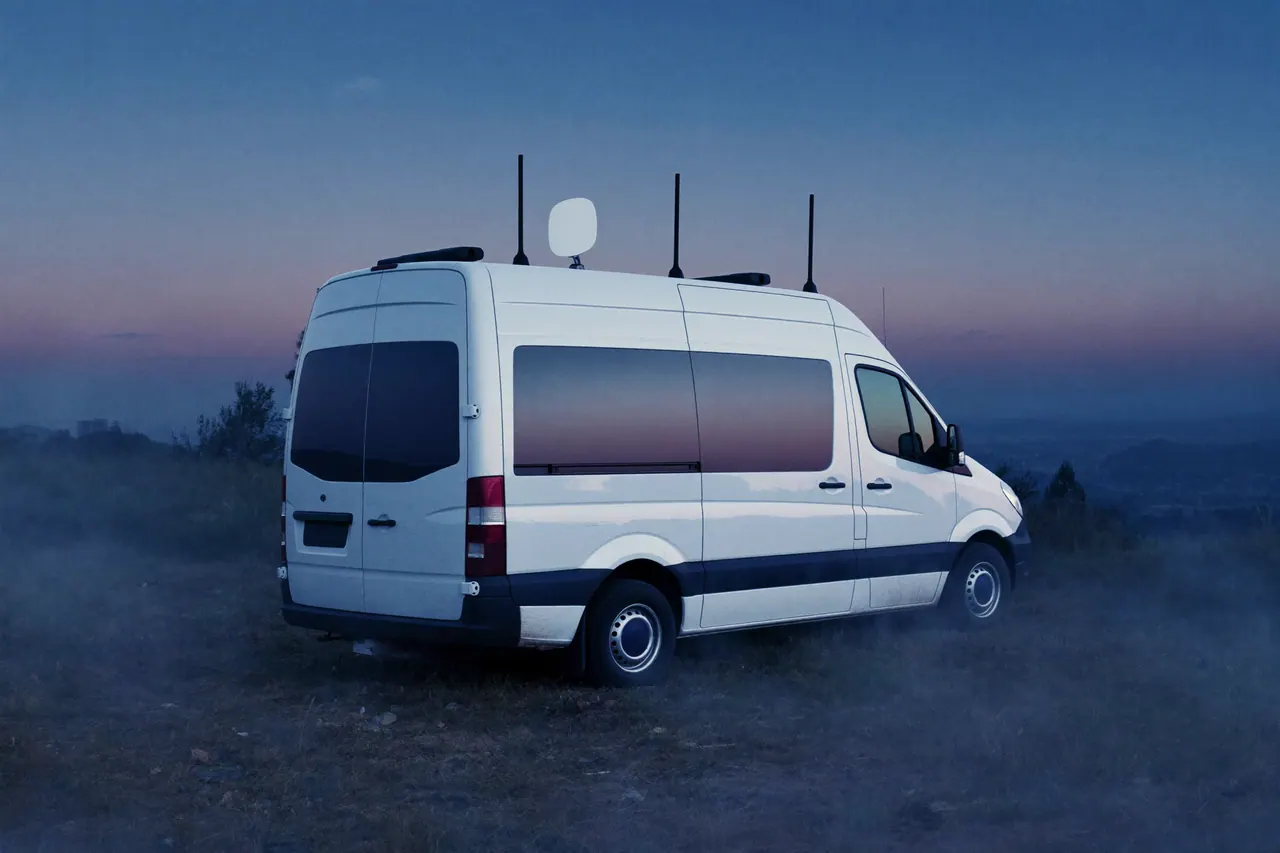
That diversity has to come from the system: the modems, antennas and subscriptions. A protocol can’t create it. But once it is there, a protocol can take full advantage of it.
Five things it takes
Diversity comes from the system. The other four live in the protocol and make use of it.
Diversity
Several independent networks at once: mobile operators, Wi-Fi, Starlink, wired. A broken path often can’t be fixed, but it can be avoided.
Synchronized clocks
Up and down are not the same. Synced clocks give the one-way delay of every link, in each direction.
Probing
Measure every network all the time, including the ones carrying no traffic right now. They may be needed next.
Loss classification
Is a missing packet part of a burst, scattered loss, or just late? The answer decides how, and whether, to recover.
Repair data and resends
Resend when there is time. Send repair data up front (adaptive FEC) when there isn’t.
Why a ping isn’t enough
Can’t we just ping the other side? A round trip adds two different paths together, and the way up can look nothing like the way down.

Almost the same round trip. For a packet going up, completely different conditions.
So NanoPing synchronizes the clocks and timestamps every packet. The receiver knows each packet’s one-way delay, in each direction, all the time, and how much of its budget is left.
Keep watching every path
Every packet tells us something about the path it took. On the Wi-Fi walk, NanoPing sent on all three networks the whole time: video where it was safe, and light probes and repair data everywhere else.
Look at AP A near the end: no video for seconds at a time, yet still a few hundred packets a second.

A path that carries no traffic right now still needs watching. It may be needed the moment another one fails.
What kind of loss, and is there time to resend?
Before recovering a missing packet, NanoPing works out what happened to it. Then the time left before the deadline decides how to get it back.

Lost, or just late?
Reordered packets aren’t lost, so NanoPing waits for them instead of resending. Real loss comes scattered or in bursts, and each needs a different fix.
Any kind of loss, if there is time
The receiver spots the gap and asks, and the sender sends it again. That costs about a round trip. A resend that would land after the deadline only wastes capacity, so it isn’t sent.
Repair data, when there isn’t
Repair data (FEC) travels with the stream, sized to the loss we see. It needs no round trip. It also tests paths that haven’t proven themselves yet: if repair data gets lost, nothing is lost.
The kind of loss decides how to recover. The time left decides whether a resend can still make it.
The scheduler
The scheduler knows the paths it has, their one-way delay right now, whether each one is usable, what kind of loss it is seeing, the deadline of every packet, and its options for repair data and resends.

Its job, in one sentence: put each packet where it has the best chance of arriving before its deadline.
Moving the video off a failing network
Live 1080p video from the car over both operators at once, with a 300 ms budget. Normally each network carries half. Here are two moments from the drive, replayed at half speed with every packet on both networks.
Operator A slows, then goes silent for almost half a second. Watch the picture: it never stops.
- 1First signs of trouble on Operator A. The video moves to Operator B, while A still carries a copy.
- 2Half a second later, Operator A goes silent. The video is already on B.
- 3A’s held-back packets arrive, up to 716 ms late. By then nothing needs them.
- 4Operator A is usable again, and the video is split across both networks.
Both networks misbehaved, again and again
The same live video over the whole 2.2 km lap, 3 min 35 s. The two moments above are two of the rings below.

Wi-Fi roaming with live video
A laptop walked through a 30 m lab that no single access point covers, sending 7 Mbit/s video over three Wi-Fi networks at once, with a 100 ms budget.

The weak spots never lined up. In none of the 600 tenth-of-a-second windows were all three networks over budget at once. That is what diversity buys.
The full Wi-Fi roaming testSeveral networks, used together
The problem
Real-time applications need guarantees that IP networks don’t give.
The insight
Your network will never be perfect. Combine several connections and adapt to how they actually behave.
The result
Applications meet their deadlines predictably, even when the networks underneath can’t.

One unreliable network can’t always be made reliable. Several, used together, can.
Tell us about your links and your deadline. We’ll show you what NanoPing does with them, and test it with you.