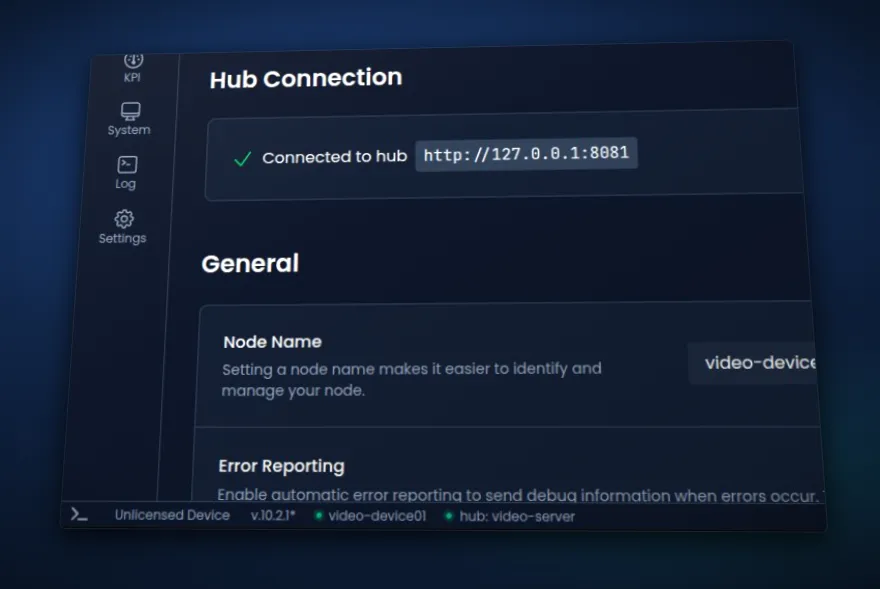
Joining the Cloud
Your organization now has a cloud hub, and every new device joins it as soon as you start np. Reach every node from whichever dashboard you open, and see their KPIs side by side. This major release also adds a cloud library for pipelines and blueprints, pins pipelines to CPU threads, and shows live network flows per interface. Raft and the control plane have been improved but break backward compatibility, so read "Before you upgrade" first.
Before you upgrade
- Raft / Upgrade both ends of a Raft link together. 11.0.0 does not carry Raft traffic to older versions.
- Hub / Upgrade your nodes along with your hub server. An 11.0.0 hub server only accepts 11.0.0 nodes.
- gRPC /
openLogStreamrequests must now say which log to stream: app, pipeline run, network or network instance. Requests that don't are refused. In return, you now get the log you asked for instead of always the app log.
For custom blueprints
- KPIs / KPI expressions now use the names of enum values instead of their numbers. Update any expression that compares one with a number.
- Metrics / The raft component's
carrier_syncandretry_skip_too_low_ttlmetrics are removed. Remove any KPI that uses them.
Your organization's cloud hub
Every organization now gets a cloud hub hosted by NanoPing, so your nodes find each other without you running a hub server. Start np on a new device and it is on your cloud hub, with nothing to set up.
Nodes already on a hub of their own stay there, and you can leave or rejoin the cloud hub from Settings.
Activating a device is clearer too. You see which device and organization it joins before you confirm, and deactivating a device frees its seat.
Every node from any dashboard
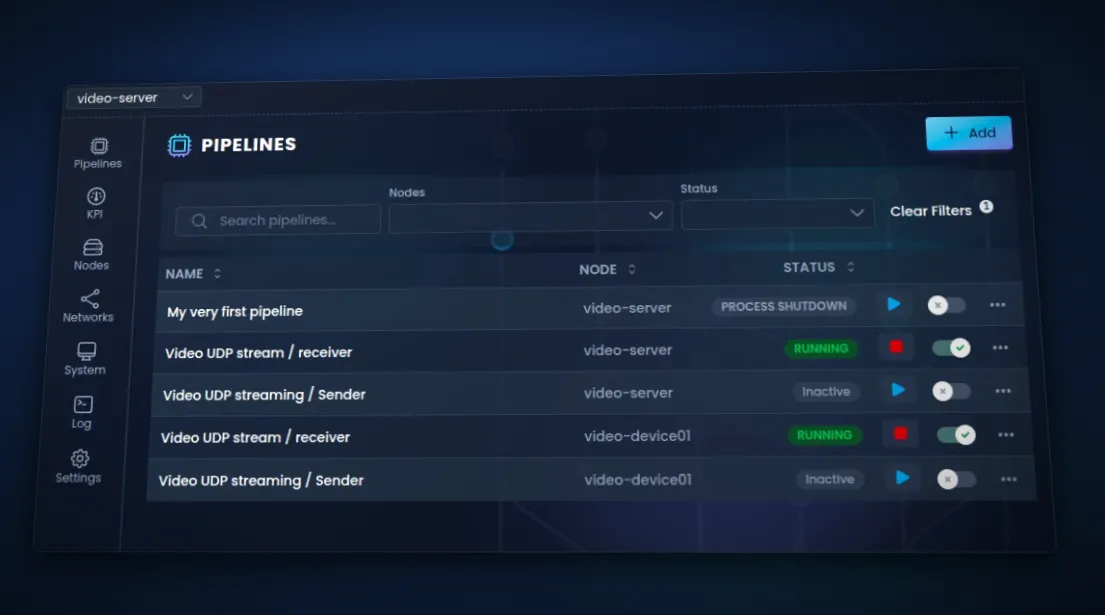
The Nodes page is now on every dashboard. Open any node's system, logs and settings from its row, and switch between nodes without leaving the page.
The Networks page shows up on every dashboard in a hub with a network, and renaming a node shows up on the hub straight away.
The KPI page shows the KPIs of every node, with filters for node and pipeline.
Opening another node is much faster, and the old node dropdown at the top of the page is gone, since every page now reaches any node by itself.
Save pipelines and blueprints to the cloud library
Save pipelines and blueprints to the cloud library and bring them to any node. The Add Pipeline and Add Blueprint dialogs are redesigned too.
Pin pipelines to CPU threads
Give a pipeline a CPU thread of its own, or let NanoPing pick one, for steadier performance. Performance mode lowers latency further and is on by default on Linux. Changes apply to a running pipeline right away.
See live network flows
See what flows through each network interface, live, on the System page: who talks to whom, over which protocol, and how much. Linux only for now.
Login page for basic auth
Nodes protected by a username and password now show a proper login page instead of the browser's pop-up, and keep you signed in for six hours.
Steadier Raft links
Raft holds up better on real world networks, with fewer needless resends and faster recovery when a connection goes quiet.
Improvements
- CLI / Run pipeline commands on any node of the hub with
--node. - CLI /
np upstarts faster. - Dashboard / The organization and node name in the footer open the device's page on the NanoPing User website.

- Pipeline diagram / Much smoother while you drag components and while a pipeline runs.
- Pipelines / Pipeline settings now have descriptions.
- UDP component / Sends traffic more efficiently on Linux, and reports its buffer sizes as metrics.
Fixes
- CLI / Fixed
np upsometimes refusing to start a node because another program happened to be using port 48313. - CLI / Fixed an
npcommand sometimes failing on start withmkdir /tmp/np-assets: file existswhen anothernpcommand started at the same moment, for example from a script. - CLI / Fixed importing pipelines saved by an older version.
- Logs / Fixed the log view sometimes freezing.
- Networks / Fixed the network pipeline toggle sometimes doing nothing, and switched off pipelines turning back on.
- Networks / Fixed parameters with object or array values on the network page.
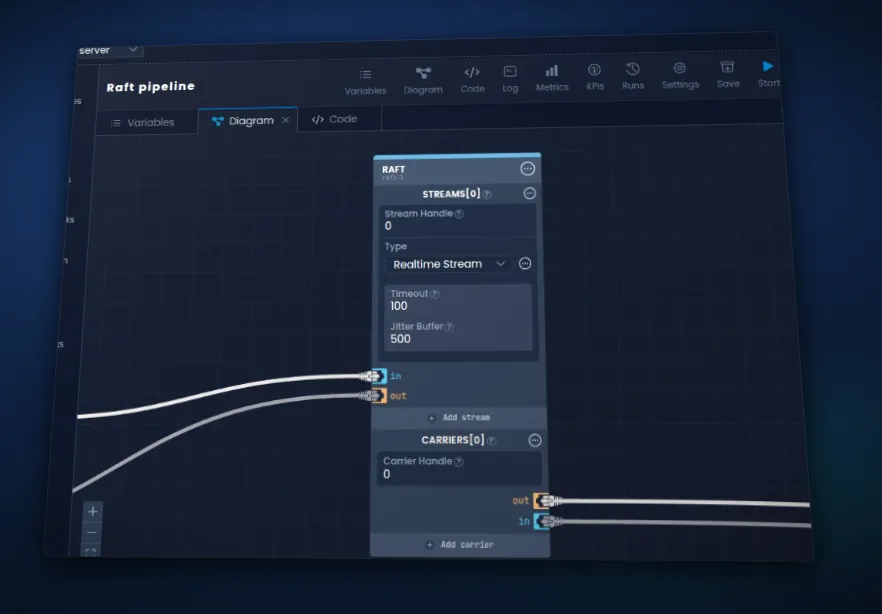
- Pipeline diagram / Fixed a raft stream's type sometimes showing an old value.
- Pipelines / Fixed restart policies restarting a pipeline you stopped, and not restarting one that ended by itself.
- Pipelines / Fixed a pipeline starting after its changes failed to save.
- Pipelines / Fixed the pipeline page staying on the old run after a restart.
- Pipelines / Fixed a "/" in a pipeline or blueprint name shortening the exported file name.
- Settings / Fixed changes in Settings to a value the node's config file sets looking saved while the file's value stayed in effect. The save is now refused, and the UI shows which settings the config file controls.